Project 02
Today's Home, Tomorrow's App
Bringing everyday actions forward, and mapping where Neo goes next.



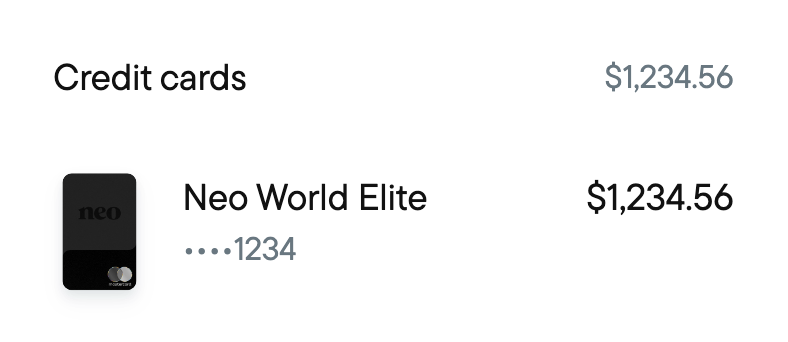
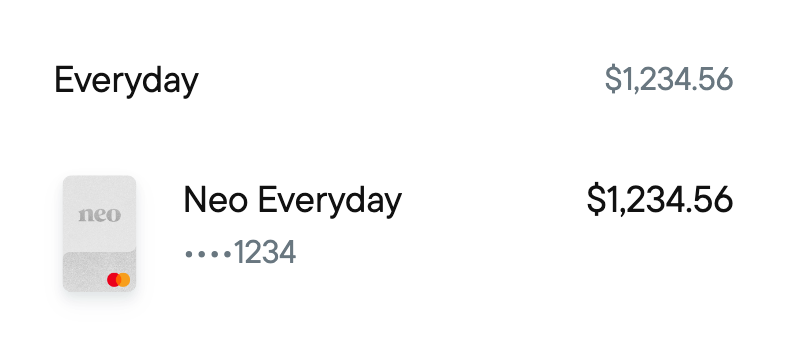
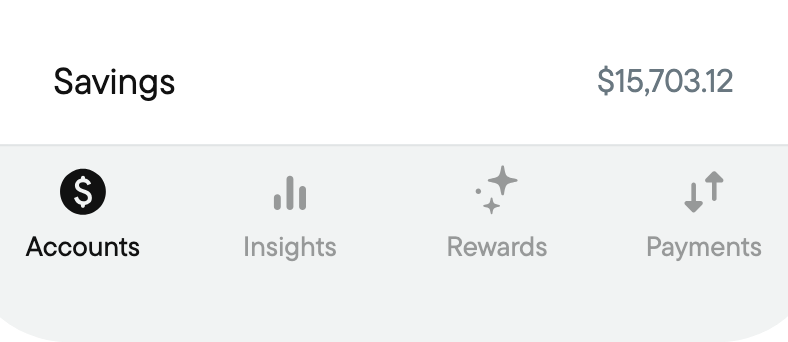
New Home Tab
Project Details
- Company
- Neo Financial
- My Role
- Lead Designer
- Collaborators
- Design VP, Product VP, PM, Mobile Engineering
- Time Period
- June–July 2026 (3 months)
- Status
- Launched Aug 2026
Overview
Giving Neo's Home room to grow.
As Neo added more products, we started rethinking how the app was organized.
What began as a broader information architecture effort became a refreshed Home: new Quick Actions, product discovery, and an updated UI. I also explored how the rest of the app could evolve.
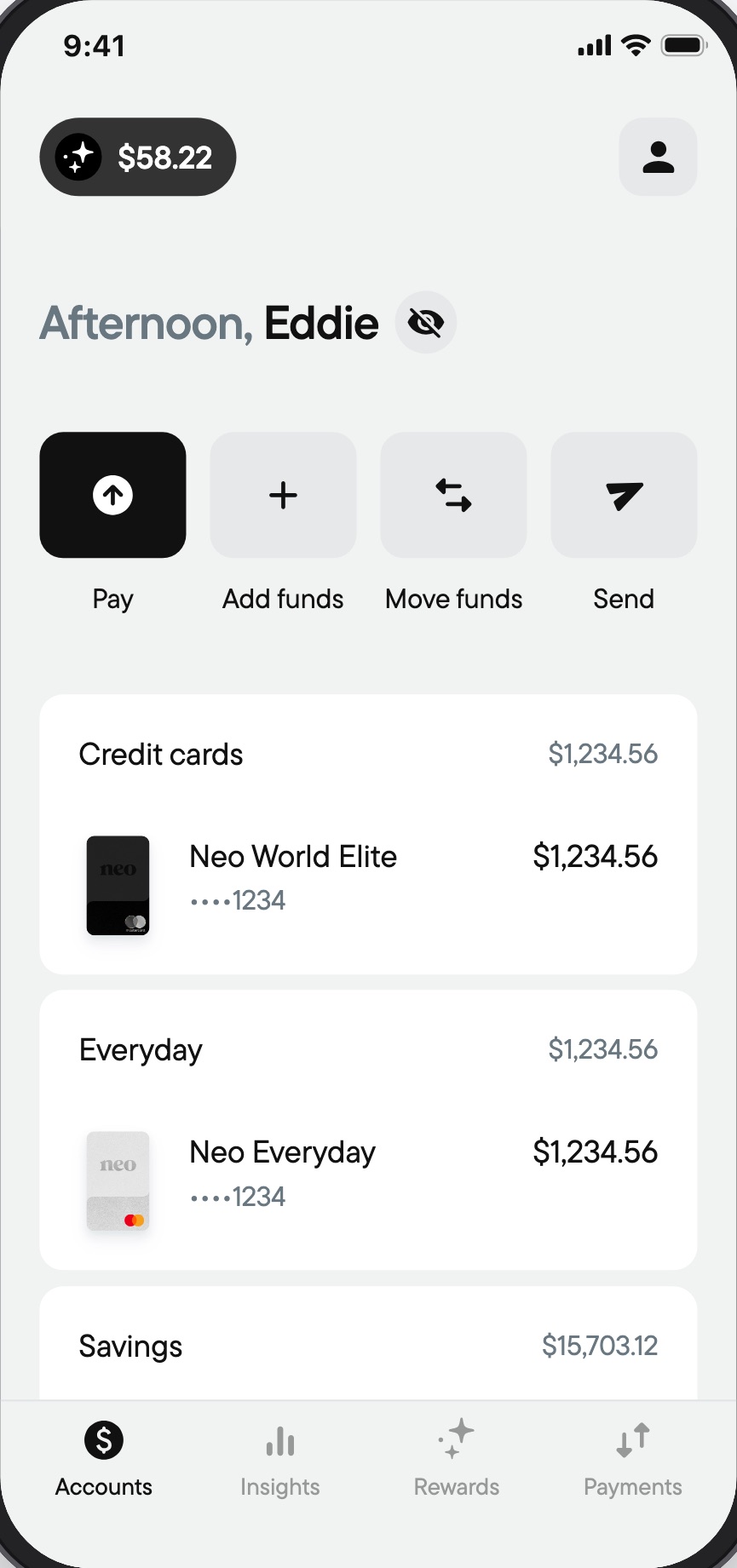
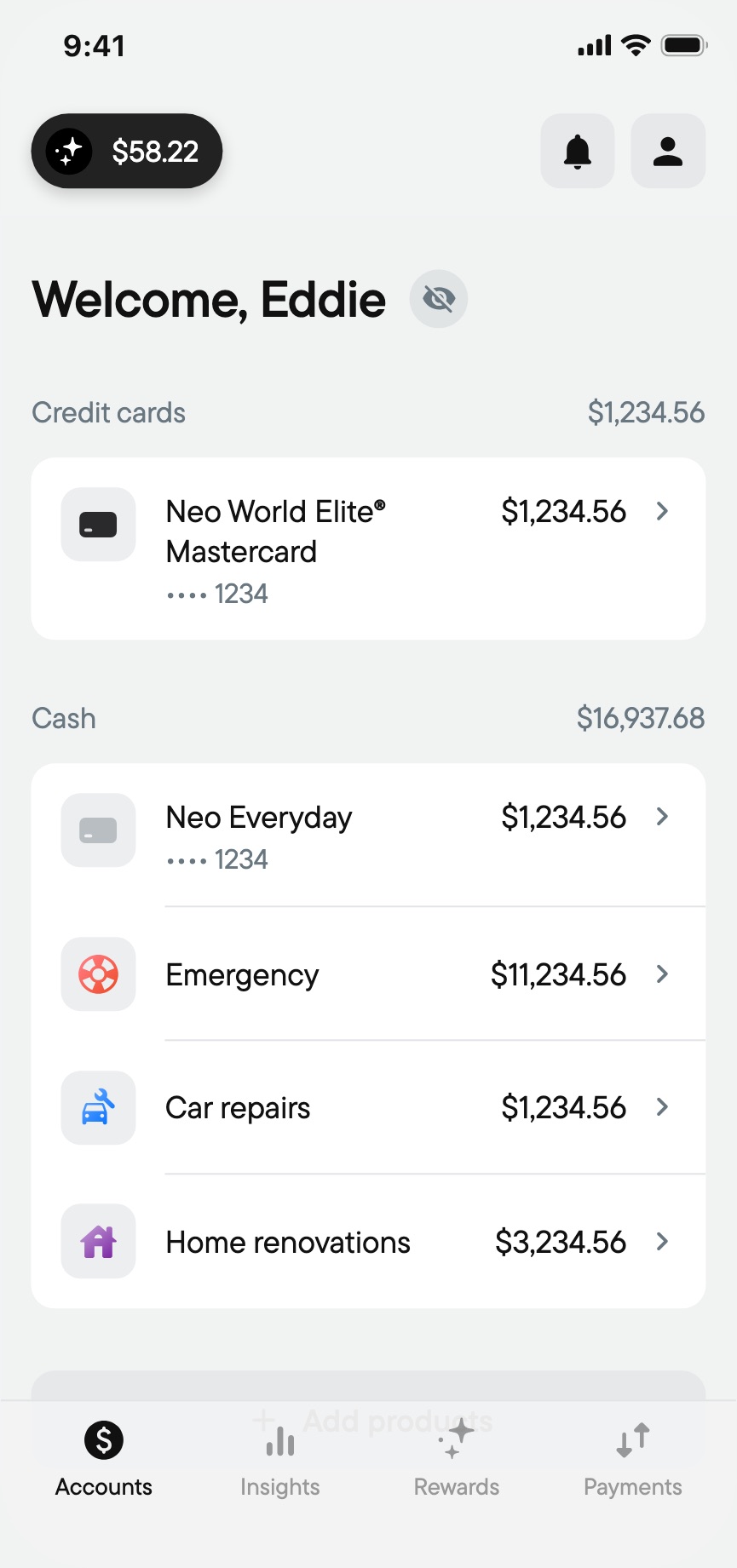
BeforeHome Tab
The Challenge
More products. More complexity.
The app needed a clearer way to balance everyday banking with everything else Neo offered.
A few challenges stood out:
- Everyday actions were too far away. Paying, sending, and moving money deserved a front-row spot.
- Home had to make room. It needed to hold more accounts without becoming overwhelming.
- New features needed a place to live. Upcoming investment products, financial tools, and support experiences called for a more flexible app structure.
Challenge
- 1
Pay sits inside the credit account
- 2
Add and move funds sit inside chequing or savings
- 3
Send lives in the Payments tab
- 4
Every new account makes this list longer
- 5
No place for Investing, Help or Security
The Approach
Start with what people do most.
I studied how financial apps in Canada and around the world organized their home screens, navigation, and everyday banking actions, looking for global patterns people already recognize.
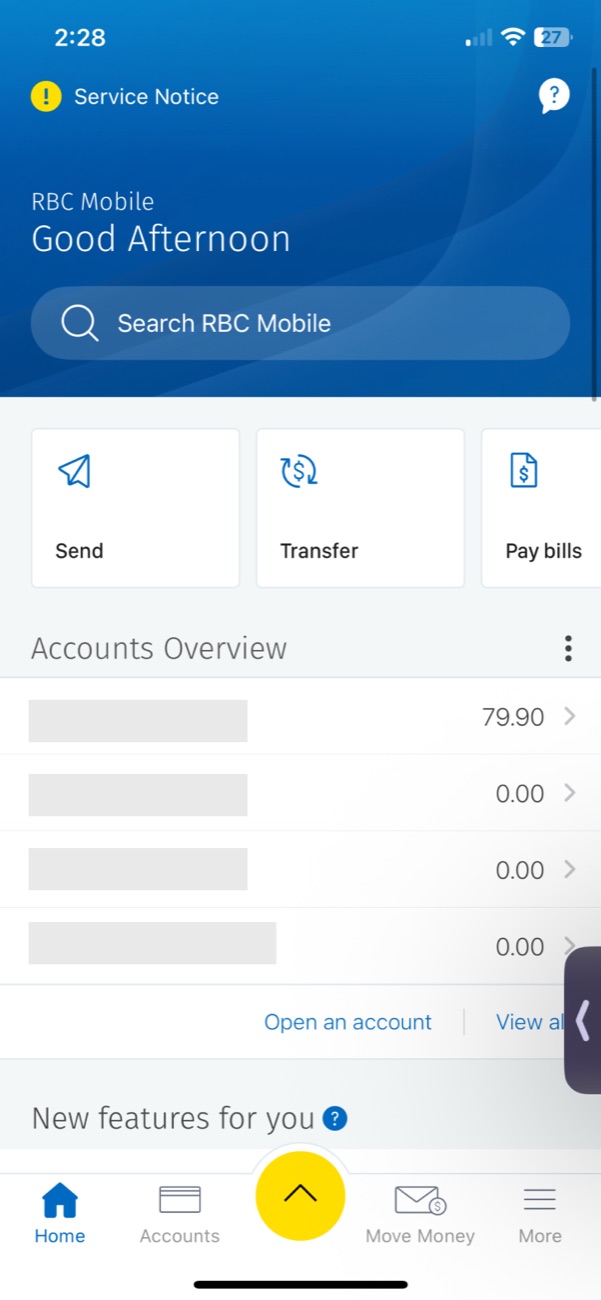
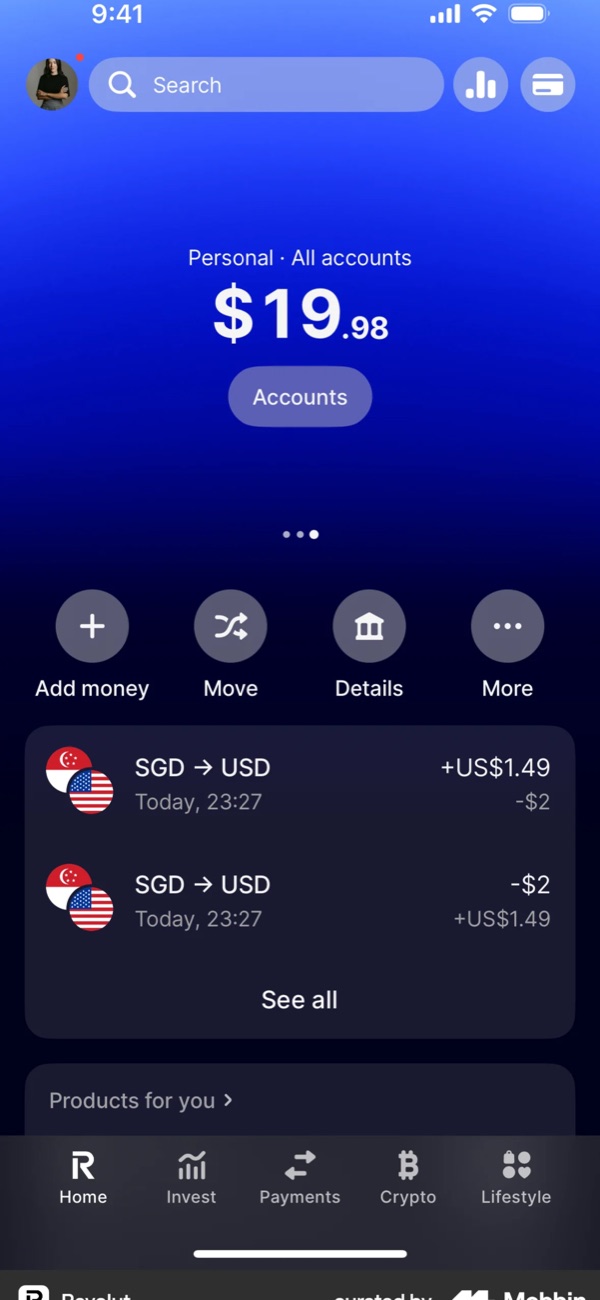
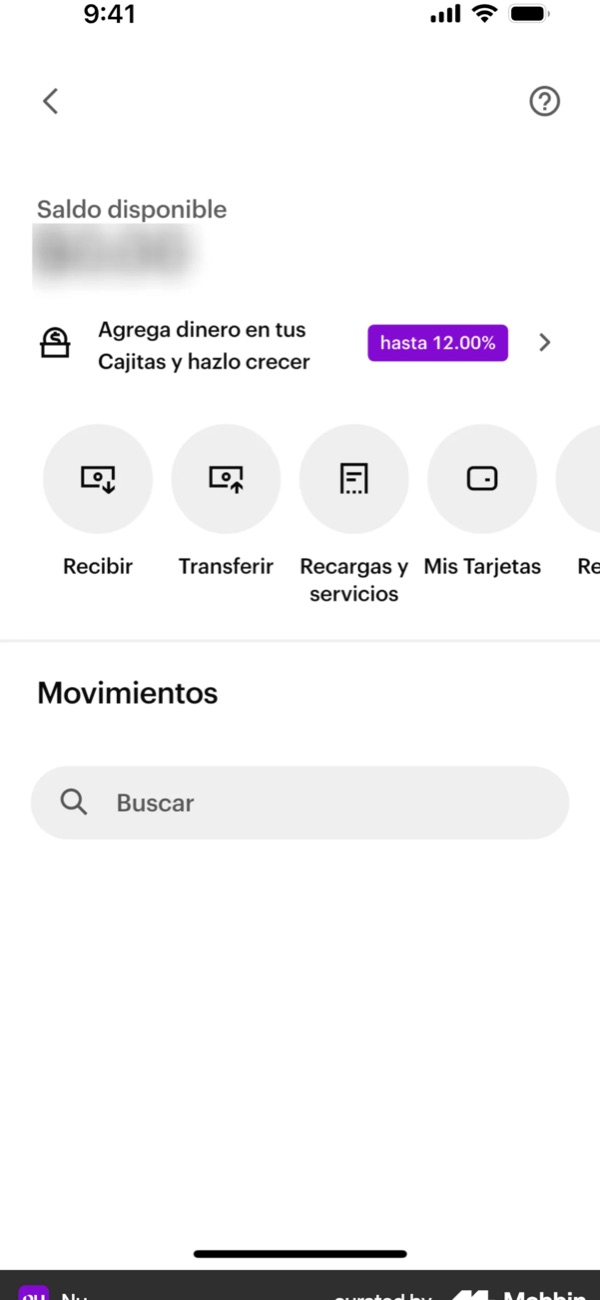
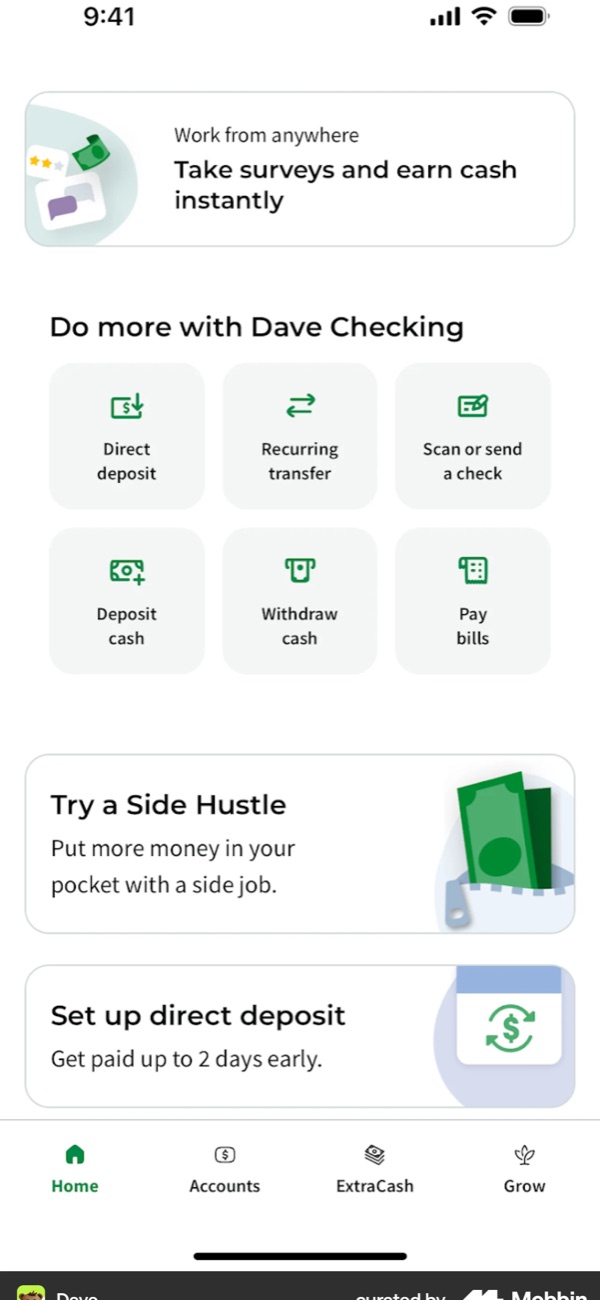
Quick Actions / Money Movement
The Design / 01
Bringing everyday actions forward.
We introduced Quick Actions directly on Home, making common tasks like paying, adding funds, and moving money easier to access.
They also became a natural place to introduce customers to other Neo products.
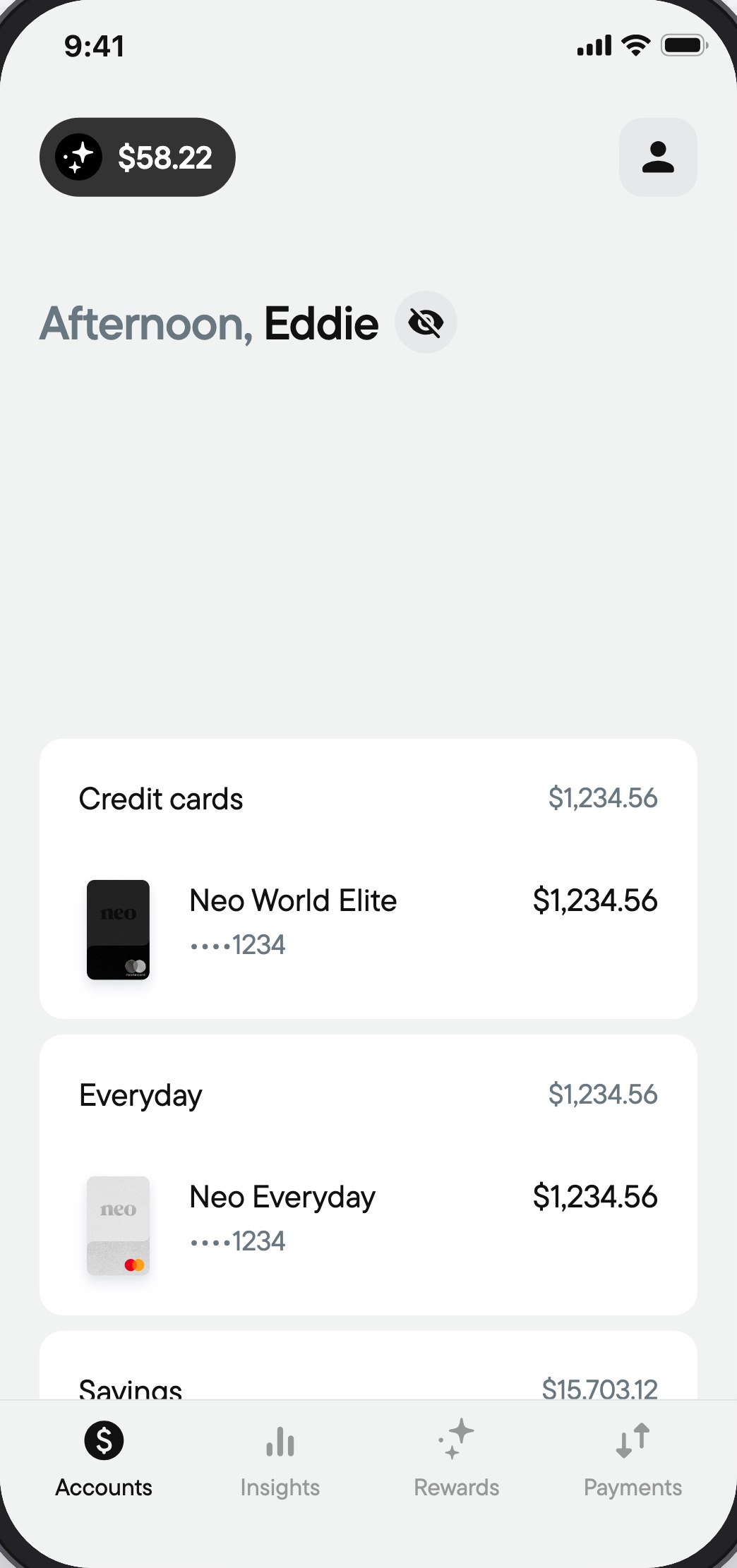
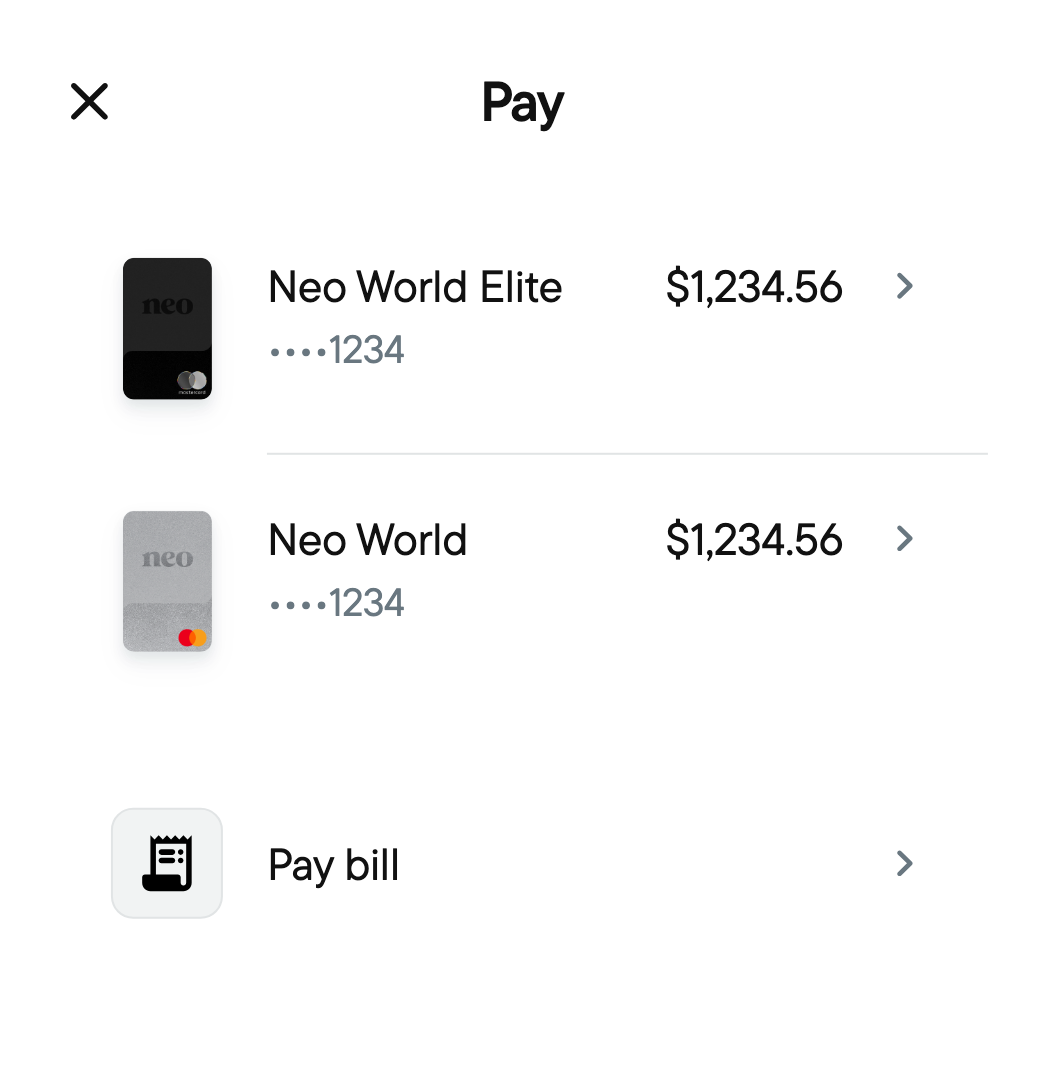
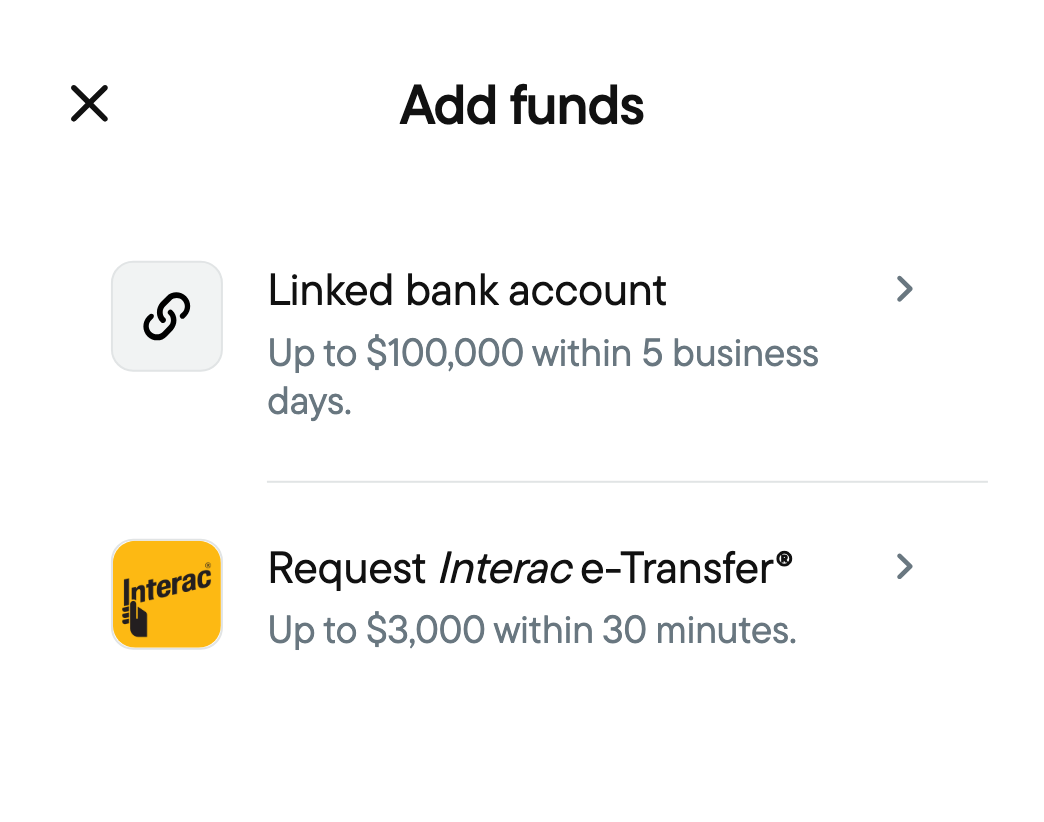
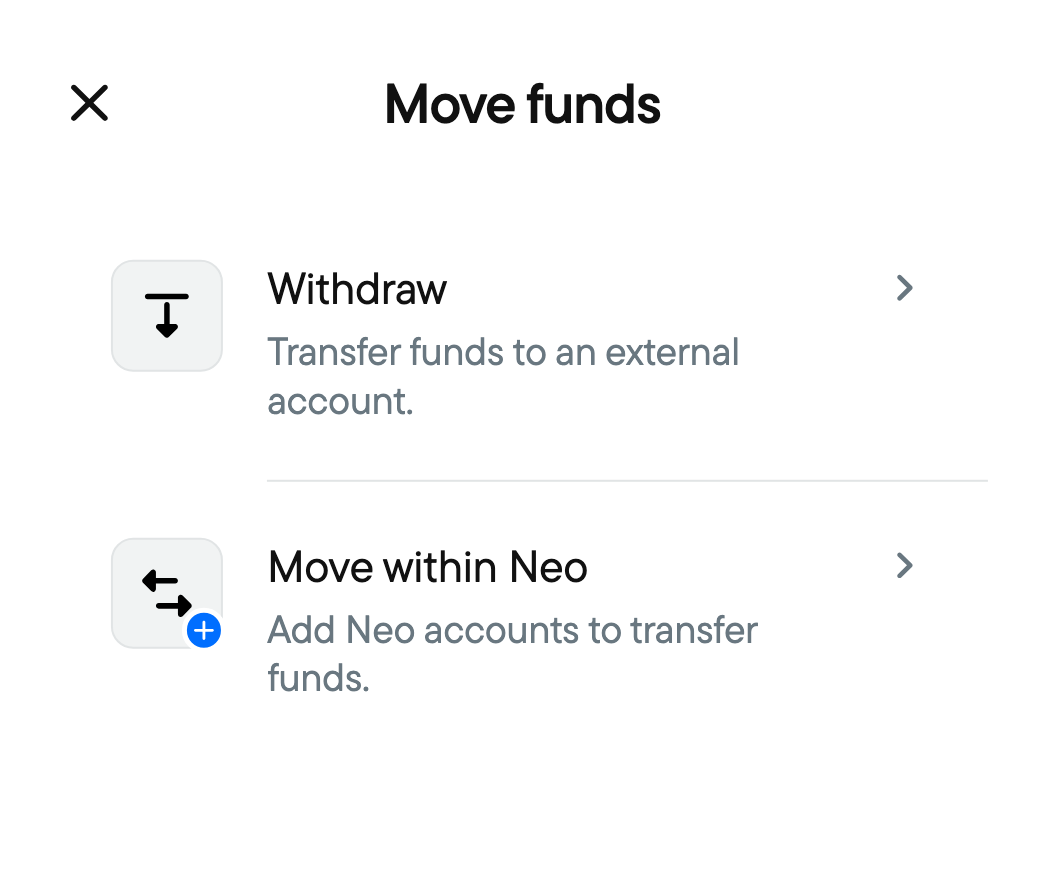
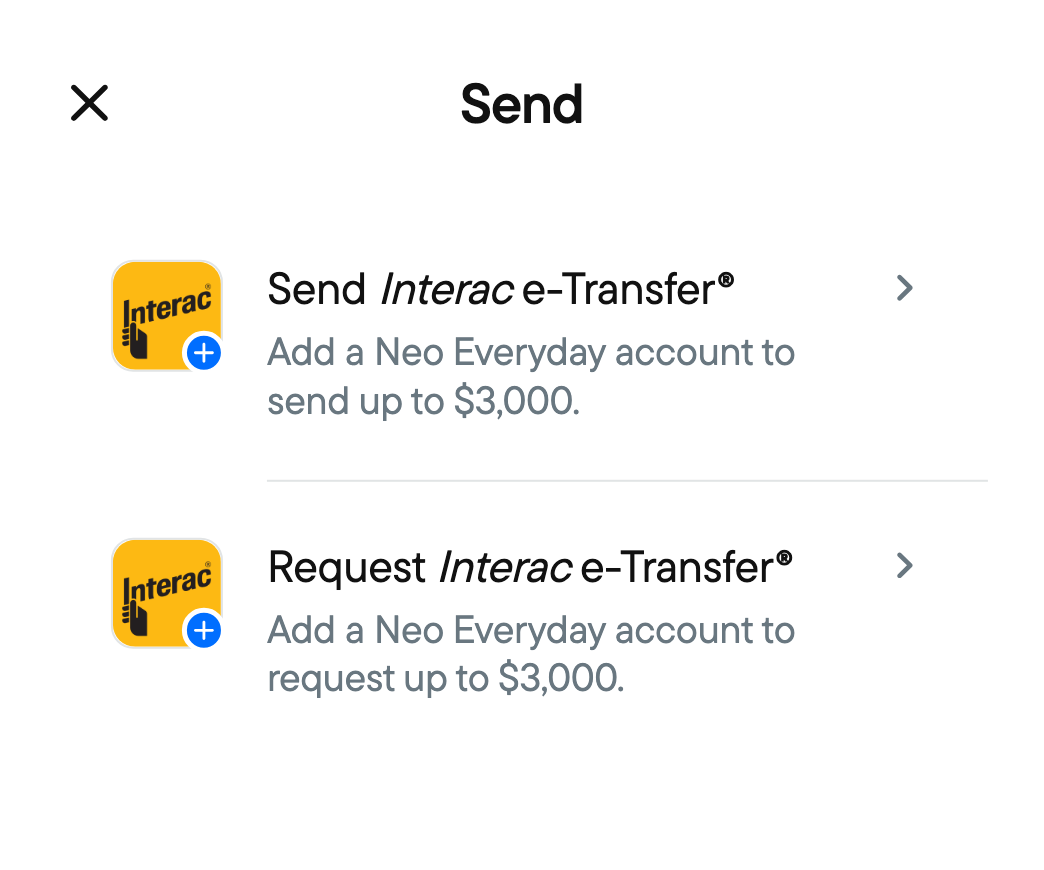
Quick Actions on Home
The Design / 02
Building a framework for what comes next.
I helped define and complete a Quick Actions framework so designers and PMs could organize future money movement features.
It maps which actions each mix of accounts gets, and where to introduce products a customer doesn't have yet.
 RBCBank
 CIBCBank
 ScotiabankBank
 TDBank
 TangerineOnline Bank
 WealthsimpleFintech
 KOHOFintech
Has ActionNo Action
 Pay
 Add Funds
 Move Funds
 Send
- Pay Card Statement
- Pay a Bill
- Line of Credit
- Mortgage
- Bank Draft
- Add From External Account
- Add via Interac e-Transfer
- Direct Deposit
- Mobile Cheque
- Cash
- Wire
- Void Cheque
- Transfer Within Neo
- Withdraw to External Account
- FX Exchange
- Automations
- Send Interac e-Transfer
- Request Interac e-Transfer
- Neo P2P
- Wire
- Bill Split
- International
- Send Cheque
- Order Cheques
Available TodayFuture Payment RailsAvailableAdd Credit CardAdd SavingsAdd Chequing
Benchmarking Seven Apps' Move Money Screens
The Design / 03
Giving Home a refresh.
Alongside Quick Actions, I worked on a refreshed Home UI and explored more flexible ways to organize accounts and information.
I also designed supporting components for alerts and account communications, building on another designer's communications framework.
New Accounts List
The Design / 04
Exploring the future of the app.
I also explored where the app could go next, including:
- Collapsible Account Categories Each account type folds into a single row with its total, so Home can take on new products without growing longer.
- Universal Navigation A consistent top bar with access to Help and Security.
- Help & Security Centres Dedicated spaces for customer support, account safety, and privacy controls.
- Grow Tab A new home for savings, investments, and future wealth-building products.
They didn't ship, but they gave the team a direction for what comes next.
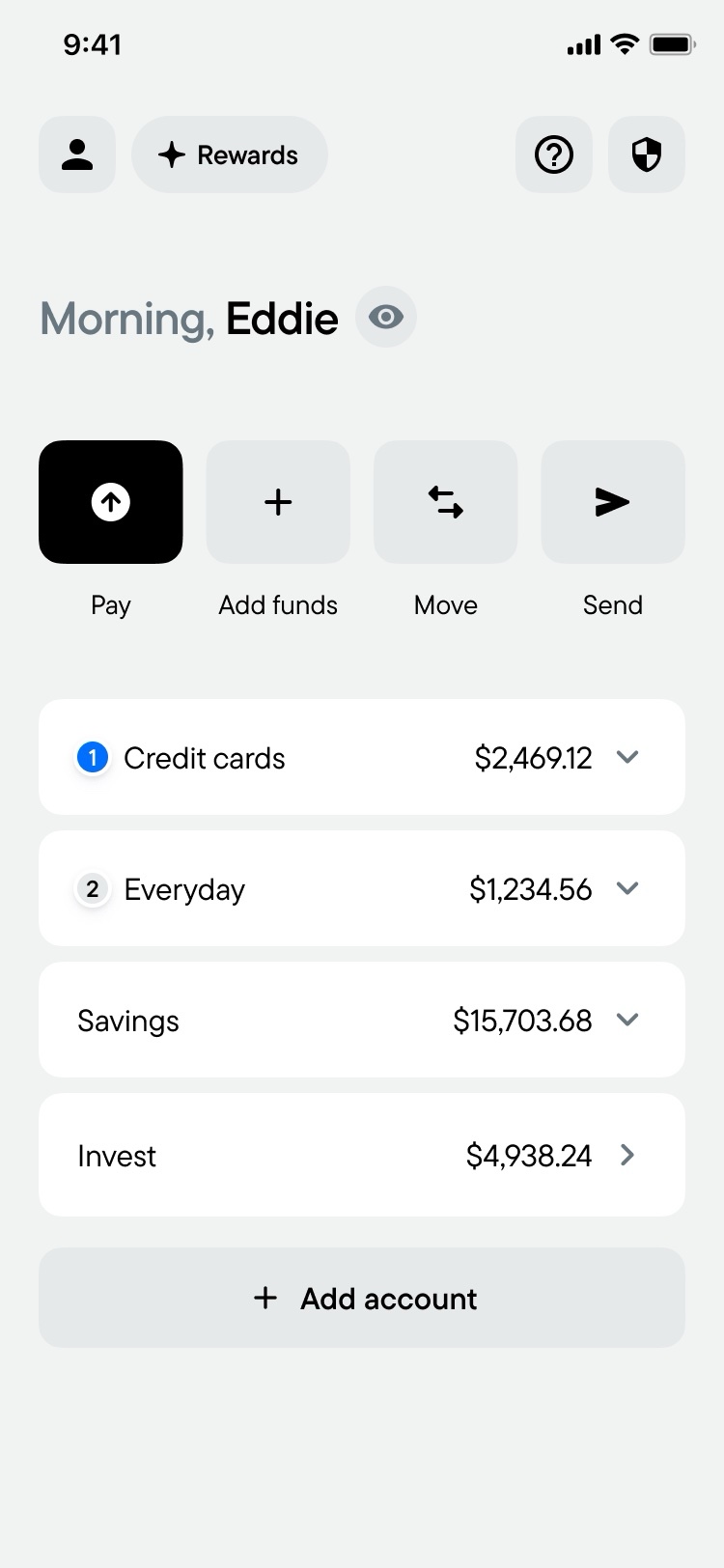
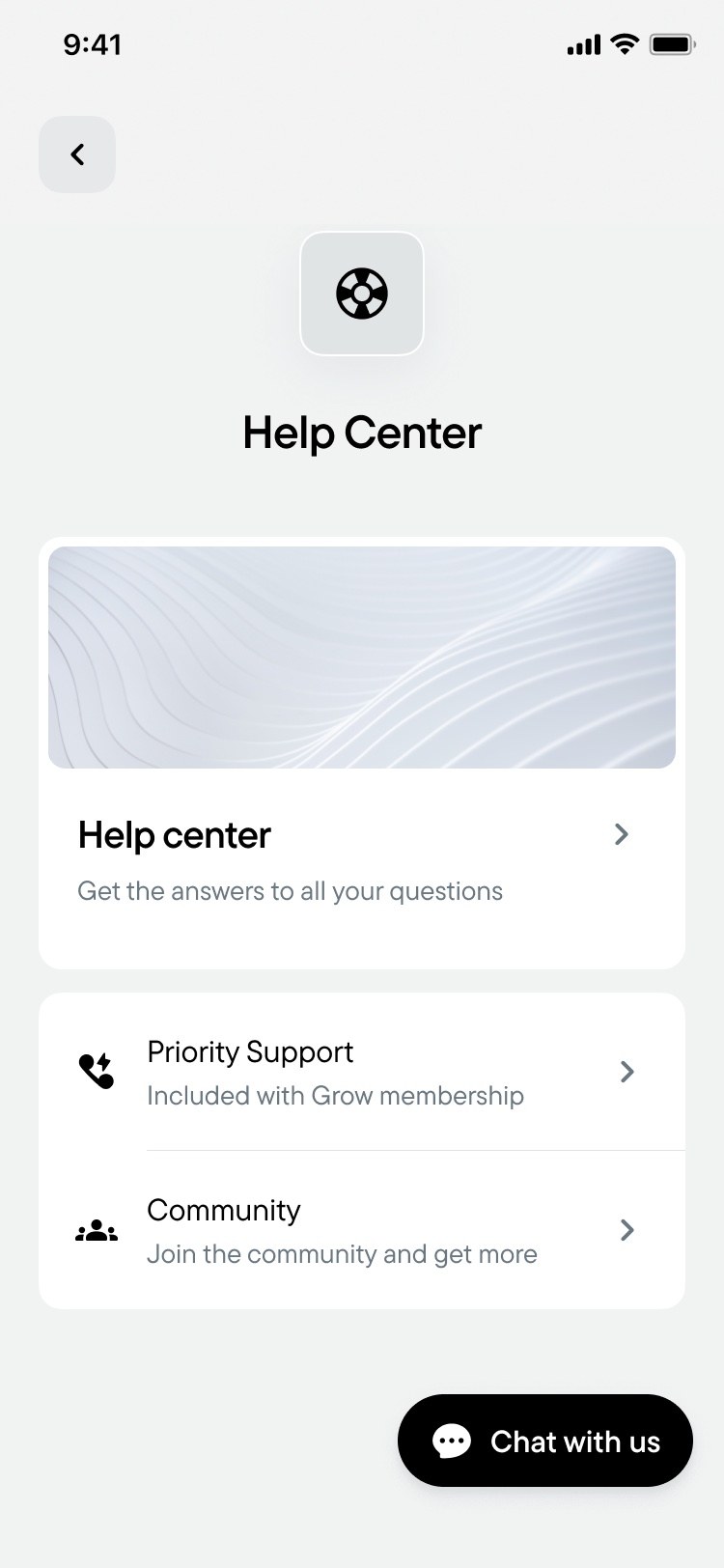
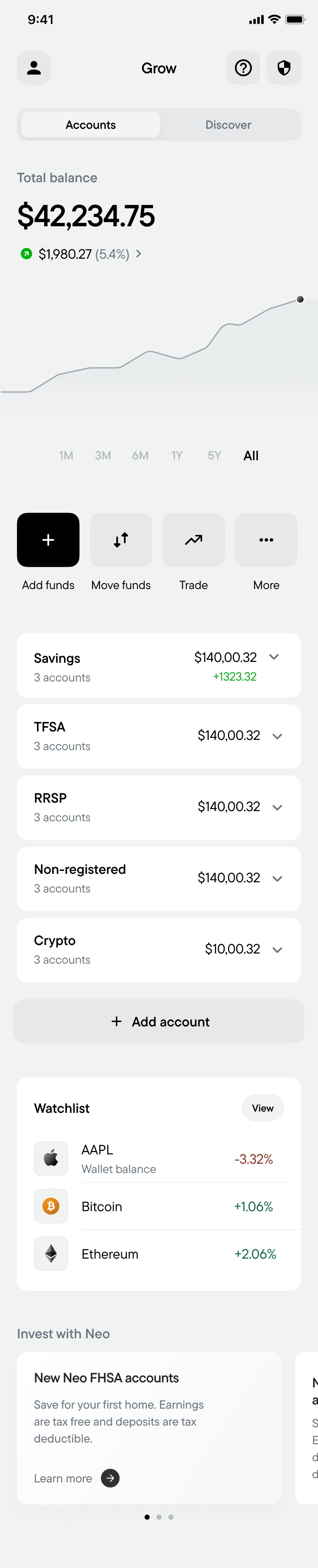
Future Concepts
The Outcome
Shipped today, with a path for tomorrow.
The refreshed Home UI, Quick Actions, and supporting product discovery entry points launched in the Neo app, so Canadians can move their money faster, starting right from Home.
The Quick Actions framework and early concepts, like collapsible account categories and a Grow tab, gave the team a clear map for where Neo goes next.
Now: The Refreshed Home, Shipped
Reflections & Dissections
What I learned.
Think ahead while you can.
Working closely with our Product and Design VPs showed me the value of planning and documenting future iterations before they're needed.
Look beyond your borders.
Studying fintechs around the world that had already solved these problems gave us a compass: it guided our ideas and confirmed the ones we already had, always with a Neo twist.
We are who we choose to be,
Eddie Marroquin